The Poly OBI 300 is an ATA that is end-of-life but still works well if you have a Zoom phone. Here are the steps to add the device to your Zoom phone infrastructure.
- Add the device and MAC Address to Zoom.
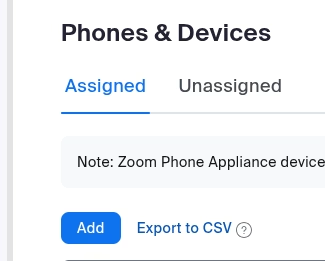
- Get the IP address of the device through ARP or you can stick an analog phone in the device and dial *** to get the IP. Go to the web interface on that IP. The default username/password is
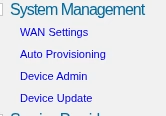
admin/admin. - In the web interface, go to System Management on the left side.
-
Select
Auto Provisioning. Under ITSP Provisioning section, uncheck the checkbox forConfigURLand enter.https://provppobi.zoom.us/api/v2/pbx/provisioning/Polycom/obi300/${mac}.xml -
Scroll down to the bottom and click Submit.
-
The web page will show a message, click the Reboot button on the top right corner. Your phone will reboot to complete configuration.
-
The power LED will cycle through different colors. This is normal as it provisions. You will know the device is finished provisioning if the rightmost LED / phone LED turns on.